Privacy Policy

Last Updated: February 2, 2026

Introduction

Instaclipz ("we", "our", or "the app") is committed to protecting your privacy. This Privacy Policy explains how we handle information when you use our mobile application.

Information We Collect

We do not collect, store, or share any personal information.

Instaclipz is designed with privacy in mind:

Permissions We Request

PermissionPurpose
Photo LibraryTo access photos you select for creating videos
MicrophoneTo record voice messages (optional feature)

These permissions are used solely to enable app features and your content never leaves your device unless you choose to share it.

Third-Party Services

Klipy (GIFs & Stickers)

Our app uses Klipy to provide animated stickers and GIFs. When you search for stickers, your search queries are sent to Klipy's servers. Please review Klipy's Privacy Policy for more information.

Data Storage

All videos you create are stored locally on your device. We do not have access to your content.

Children's Privacy

Instaclipz does not knowingly collect information from children under 13. The app is intended for general audiences.

Changes to This Policy

We may update this Privacy Policy from time to time. We will notify you of any changes by posting the new policy on this page.

Contact Us

If you have questions about this Privacy Policy, please contact us at: support@instaclipz.com

Support

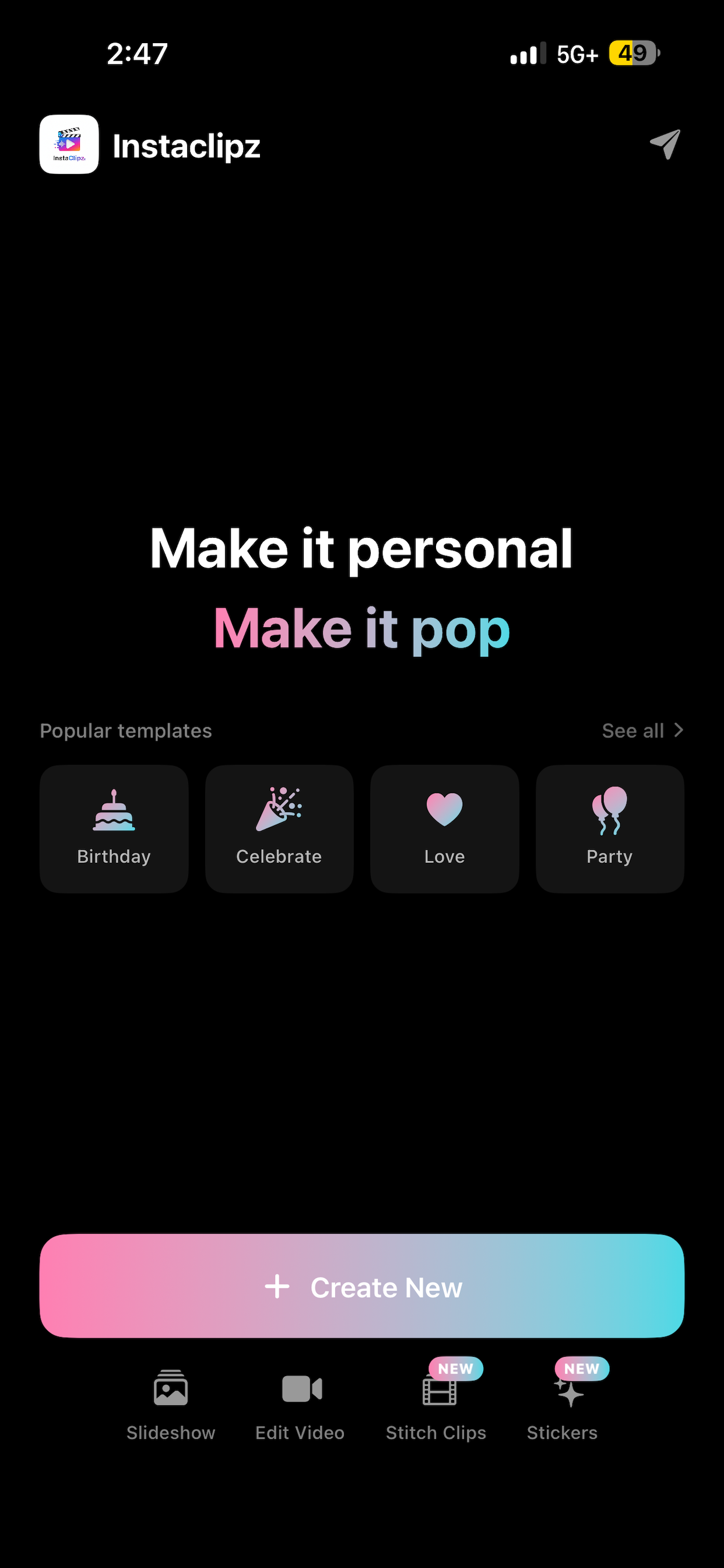
Welcome to Instaclipz Support. Need help creating amazing video greetings? We're here to help!

Frequently Asked Questions

How do I create a video?

  1. Open the app and tap "Create"
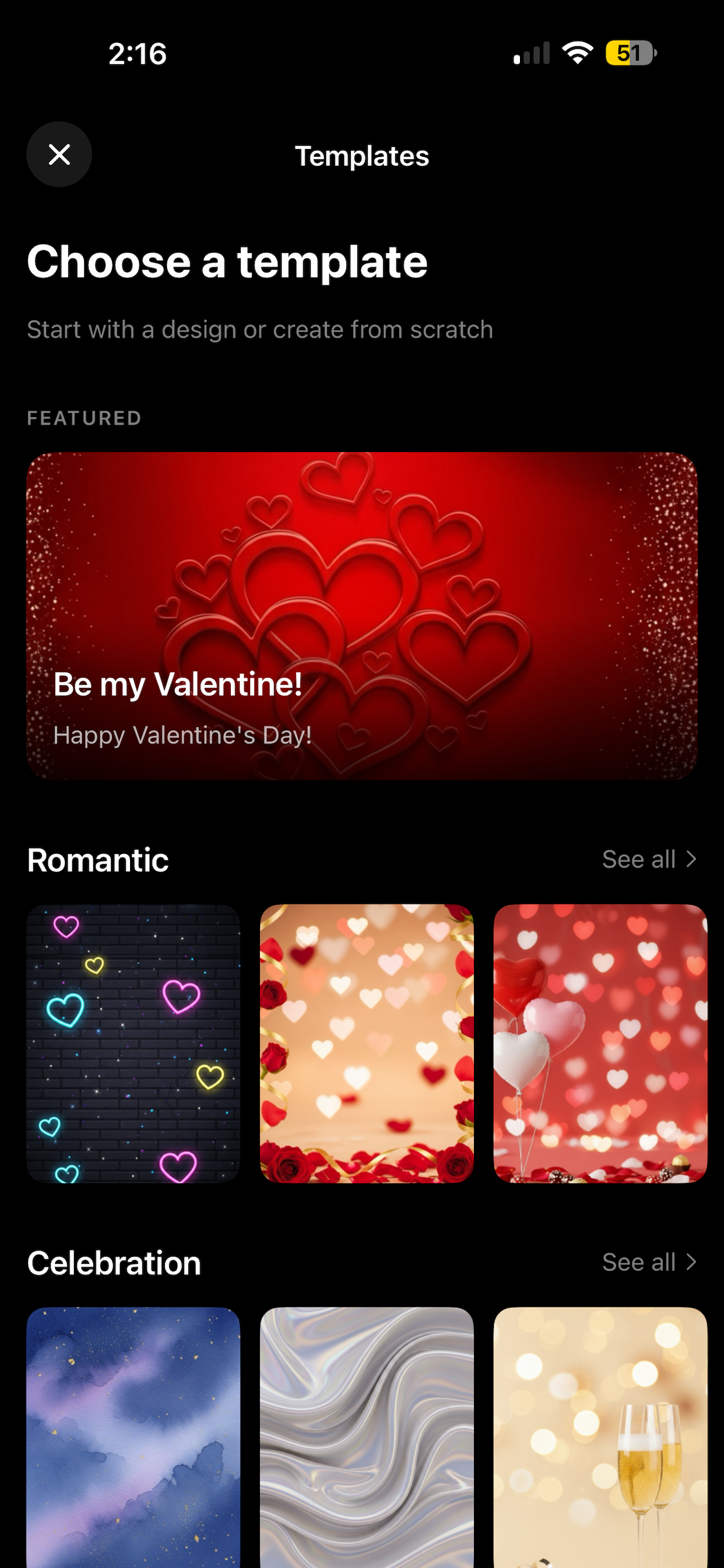
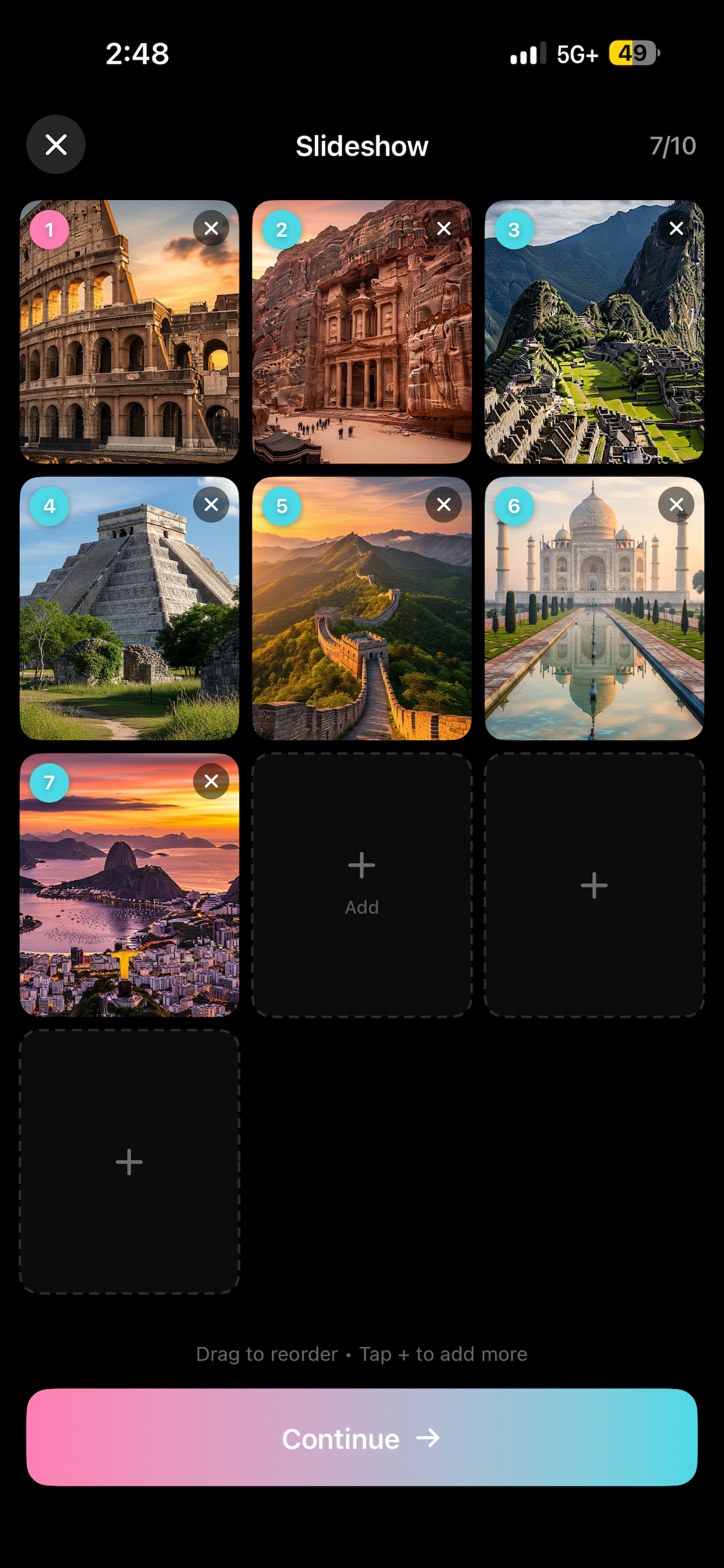
  2. Select photos from your library or choose a GIF
  3. Pick a song from our music library
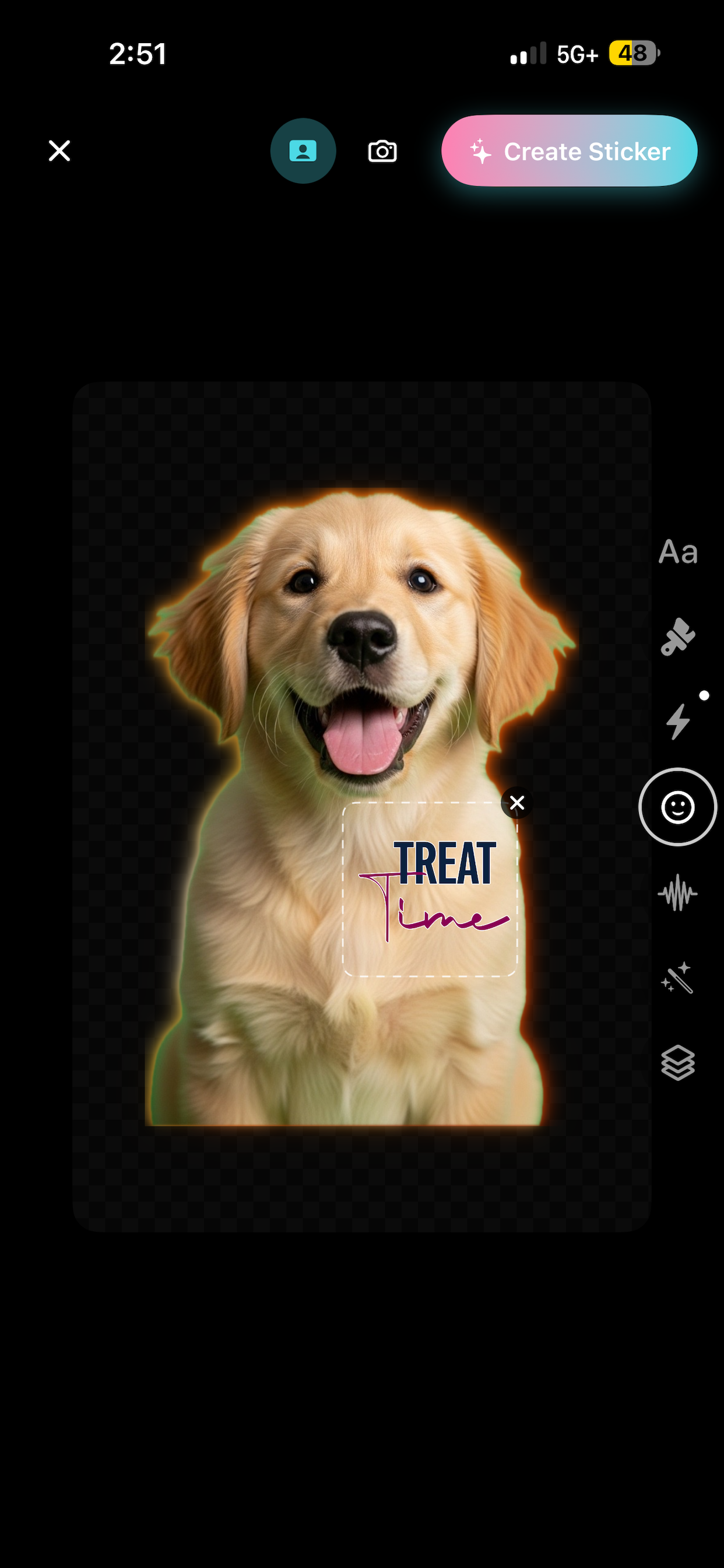
  4. Add text, stickers, and effects
  5. Tap "Generate" to create your video
  6. Save or share your creation!

Can I use my own music?

Yes! You can select songs from your device's music library, or choose from our curated collection of royalty-free tracks.

How do I add a voice message?

In the creation screen, tap the "Voice" tab to record your personal message. You can adjust the volume balance between music and voice.

Why does my video take time to generate?

Video generation depends on the length, effects, and your device's processing power. Most videos generate in 10-30 seconds.

Where are my videos saved?

After generating a video, tap "Save" to save it to your Photos library. Videos are not automatically saved.

Can I edit a video after creating it?

You can go back and adjust settings before generating. Once generated, you'll need to create a new video with your desired changes.

Is the app really free?

Yes! Instaclipz is completely free with unlimited video creation.

Troubleshooting

Video generation fails

  • Ensure you have enough storage space on your device
  • Try closing other apps to free up memory
  • Restart the app and try again

Music not playing

  • Check that your device is not on silent mode
  • Ensure volume is turned up

Photos not showing

  • Make sure you've granted photo library access in Settings > Instaclipz > Photos

App crashes

  • Update to the latest version from the App Store
  • Restart your device
  • If issues persist, contact us

Contact Us

Have a question not answered here? Found a bug? We'd love to hear from you!

Email: support@instaclipz.com

We typically respond within 24-48 hours.